

What SMTPly does — in detail
SMTPly consists of two components: a lean Windows service that accepts and relays mail, and a WPF configuration GUI that handles setup and monitoring for the admin.
The Windows service
Runs as a system service under LocalSystem. No login required, no user desktop, no tray icon in the way. The service starts automatically with Windows and operates in the background.
- SMTP listener on port 25 or 587, optional STARTTLS
- In-memory queue with disk persistence for larger backlogs
- OAuth2 token management via MSAL.NET
- Microsoft Graph Mail.Send application permission
- Dedicated named-pipe server for live GUI communication
- Structured logging via Serilog (file + IPC stream)
The configuration GUI
Modern WPF application with Fluent Design. Fully localized in English and German, with a guided setup wizard for the initial install.
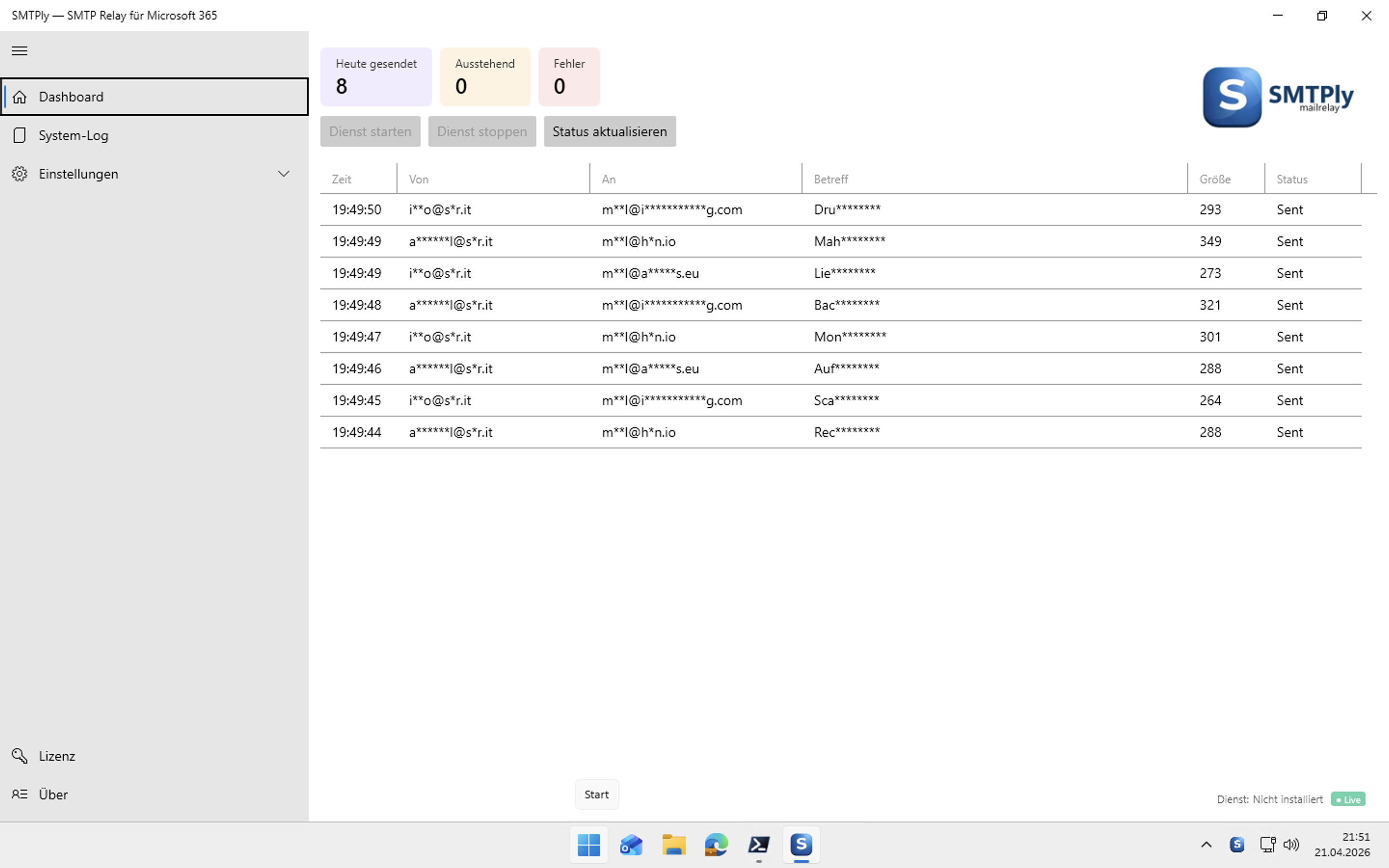
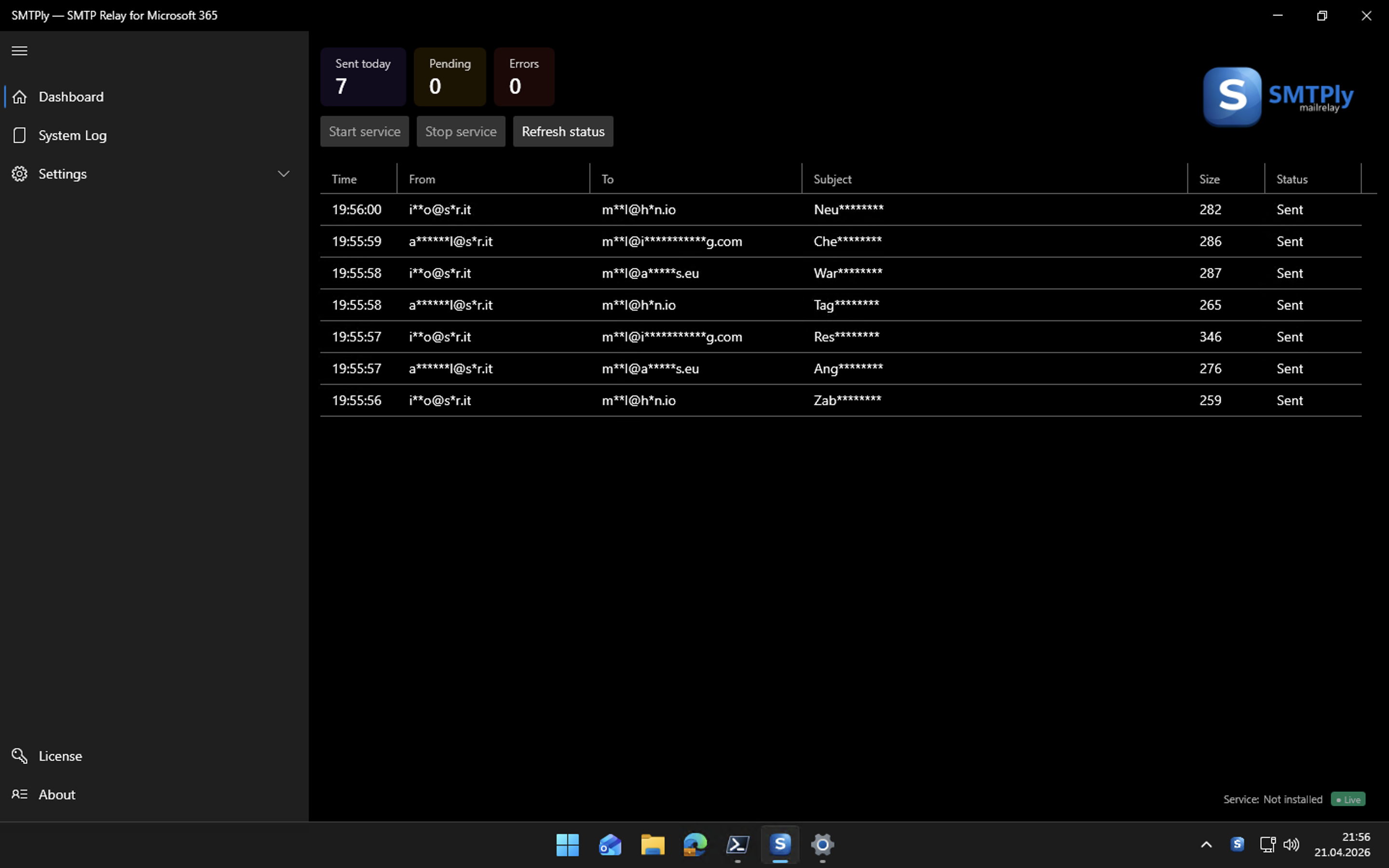
- Dashboard — live status, statistics, mail tracker as a DataGrid
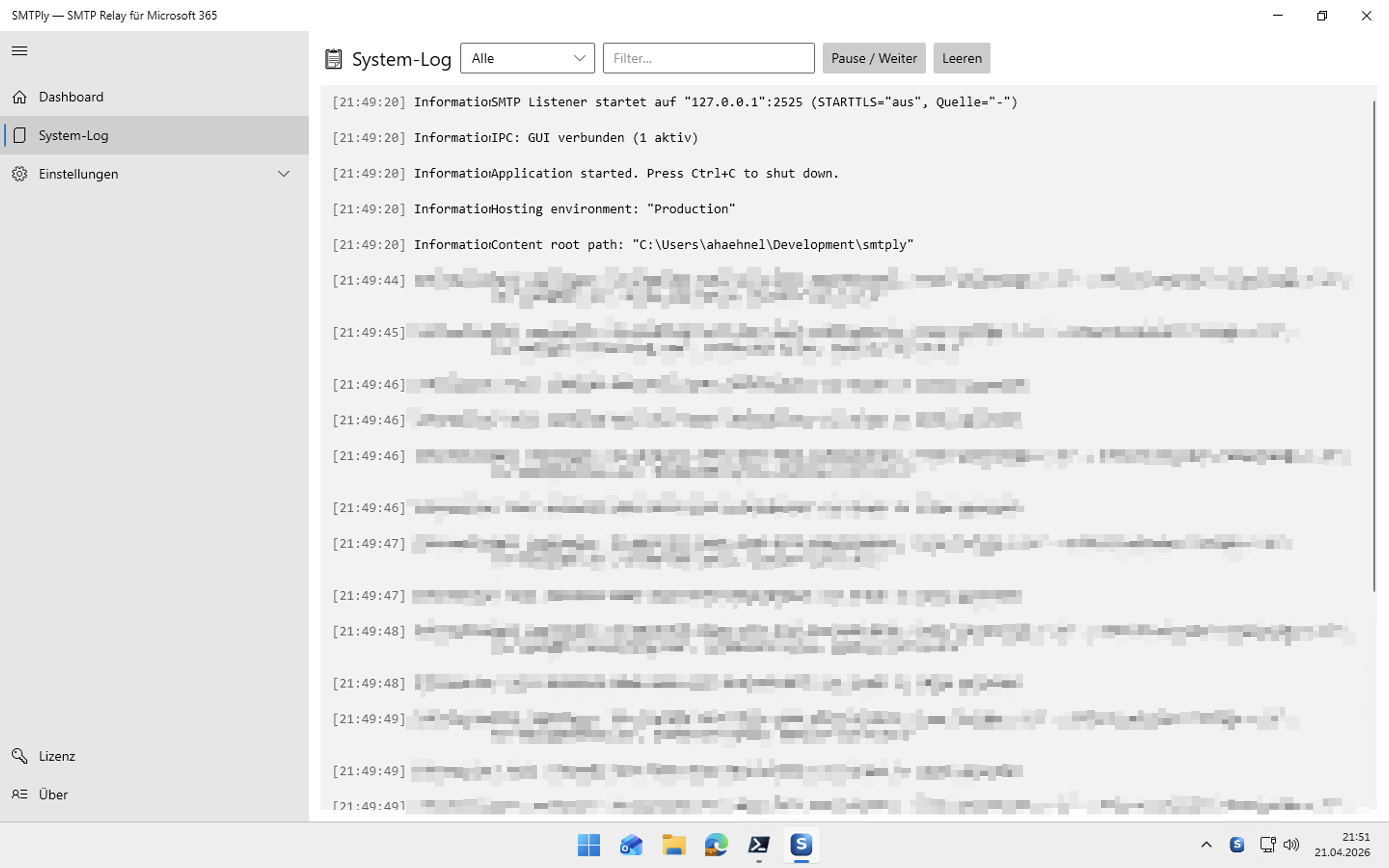
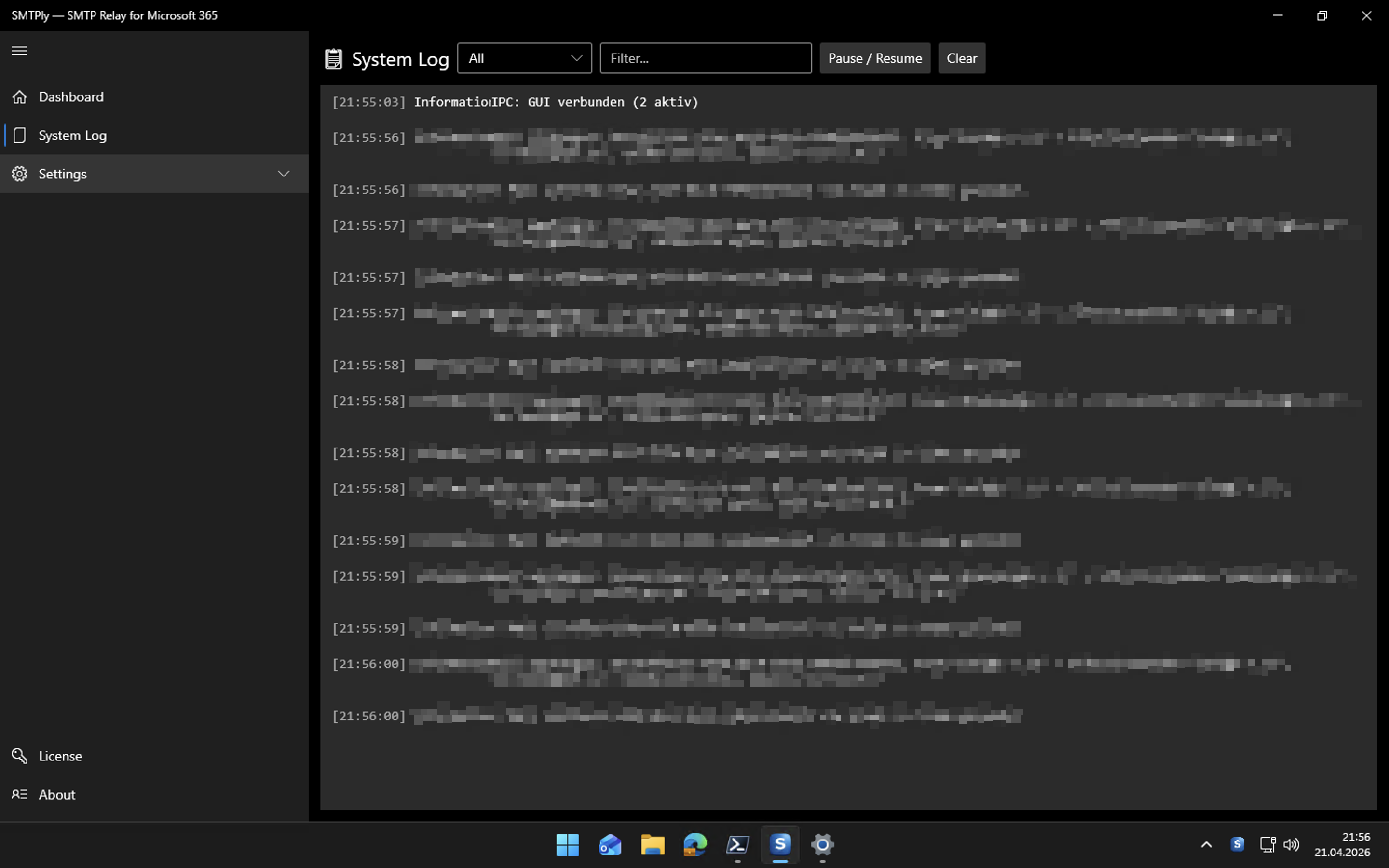
- System log — real-time stream of all Serilog events, with pause/filter/level
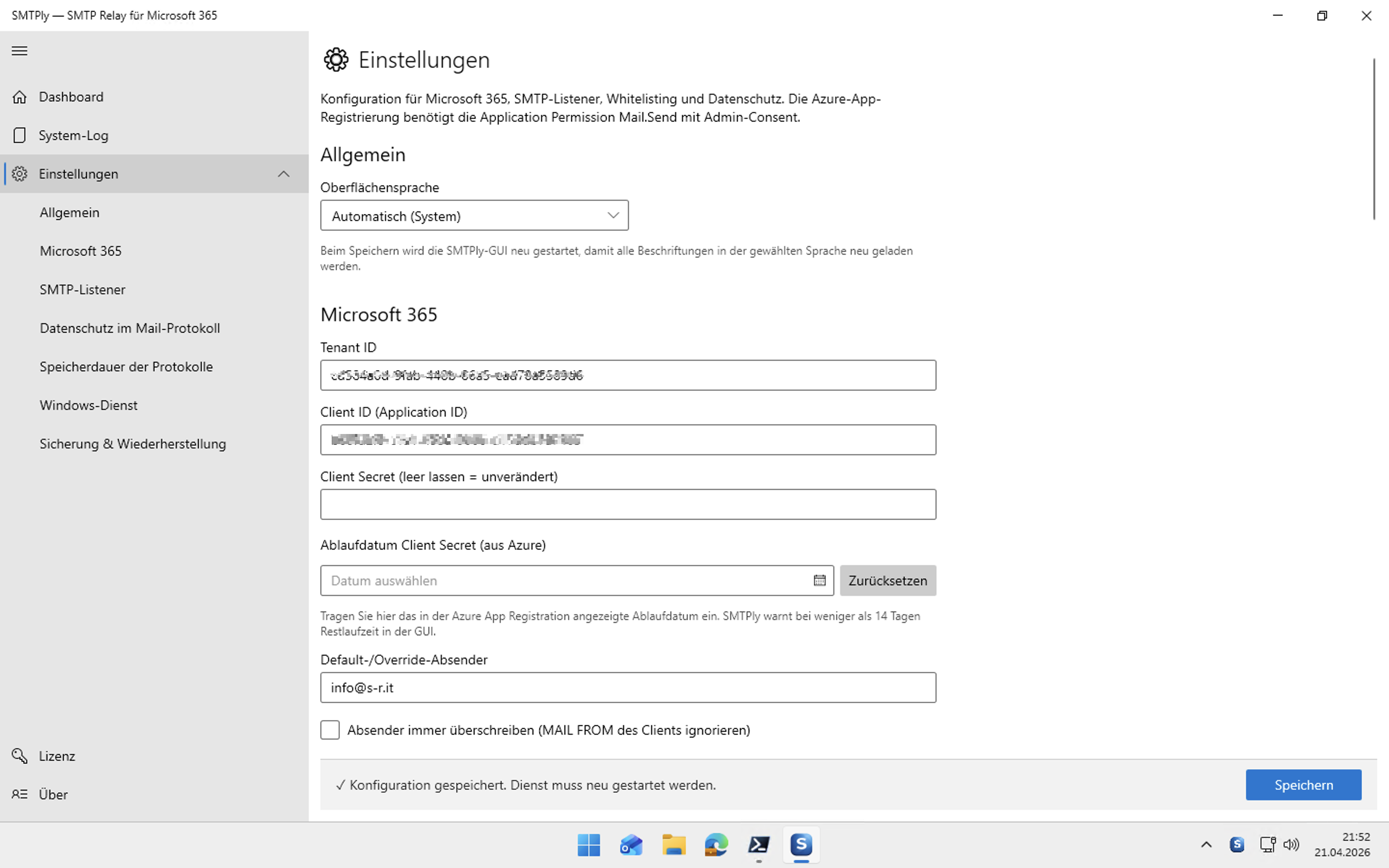
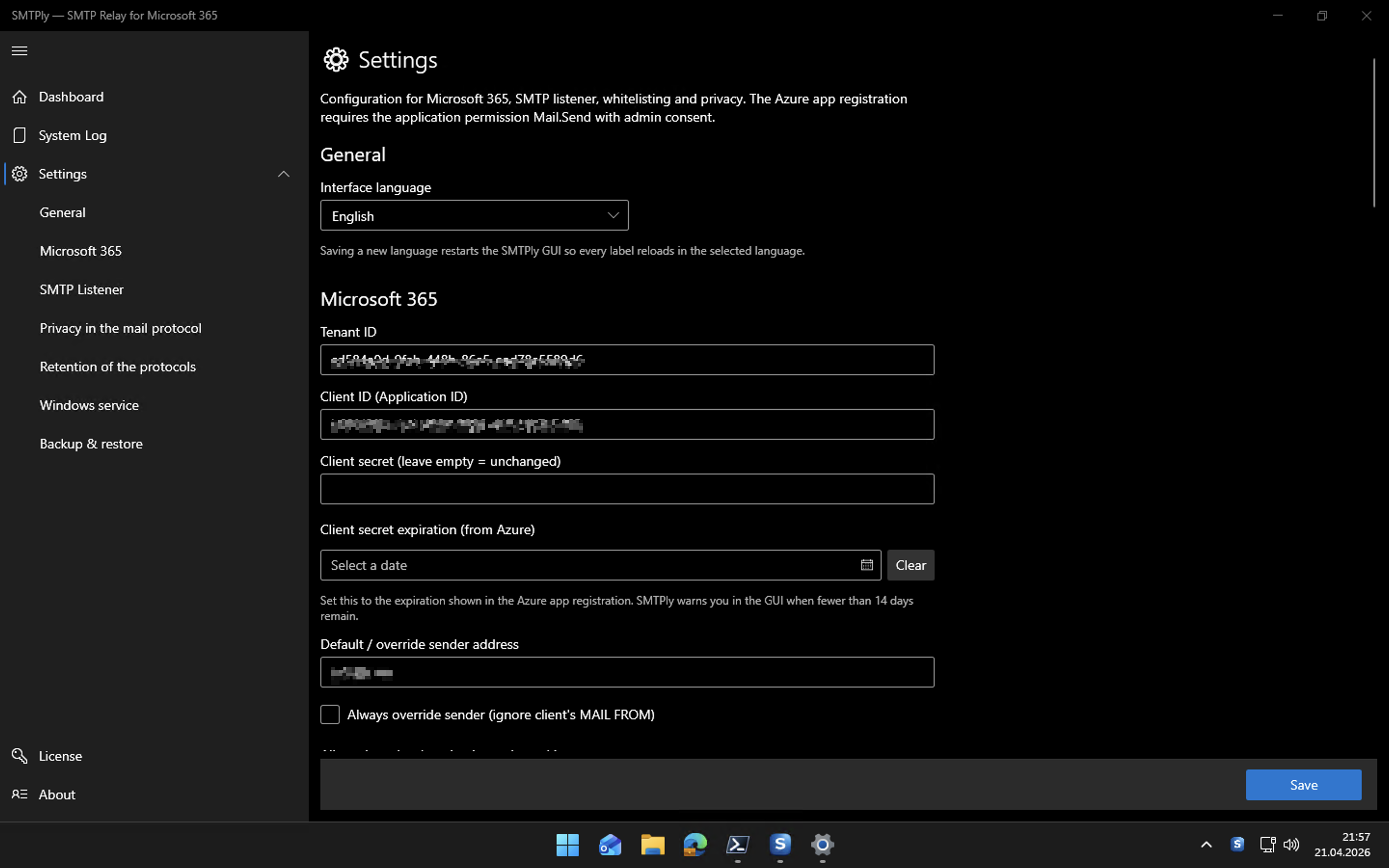
- Settings — Microsoft 365, SMTP, STARTTLS, IP whitelist, privacy, retention
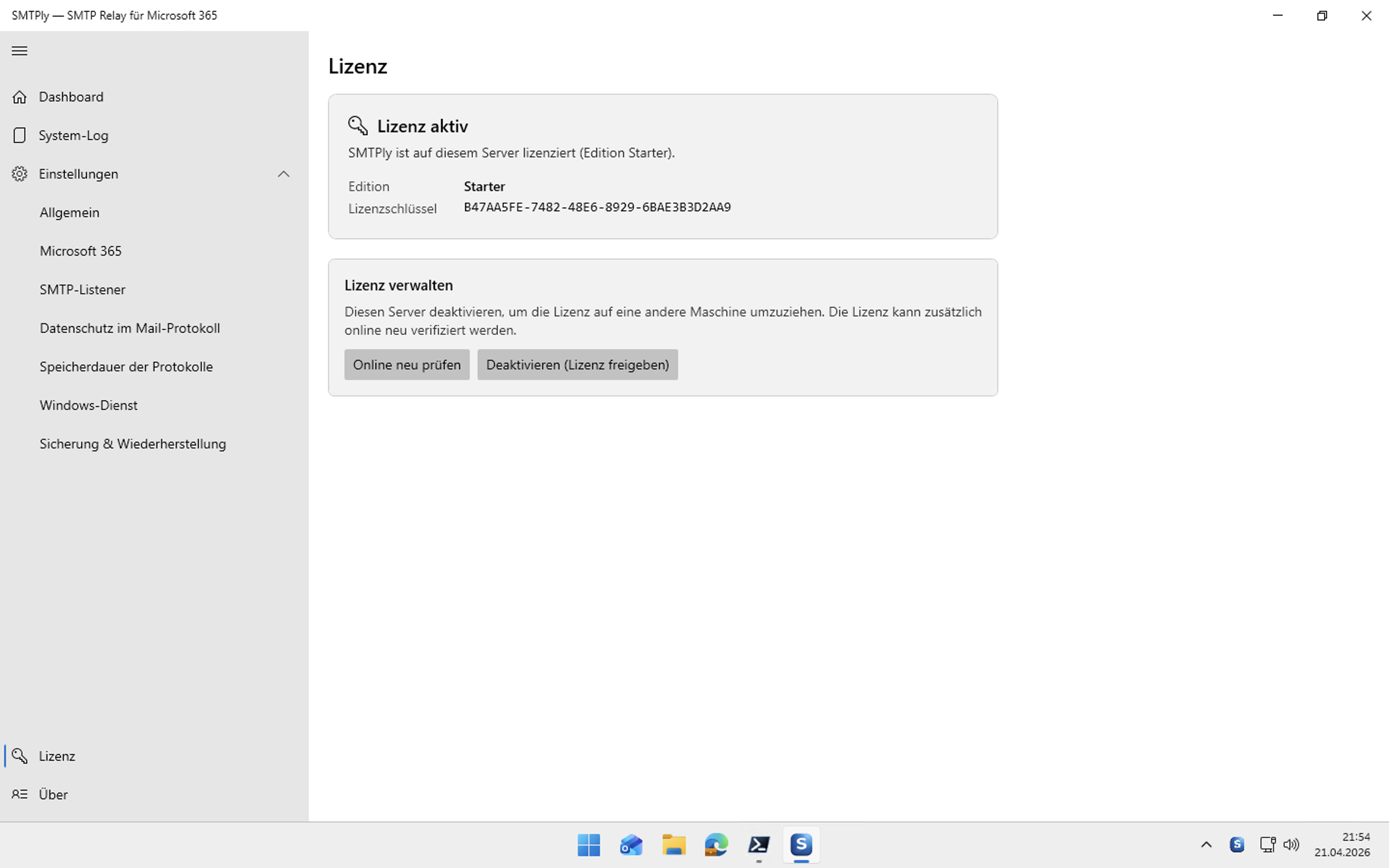
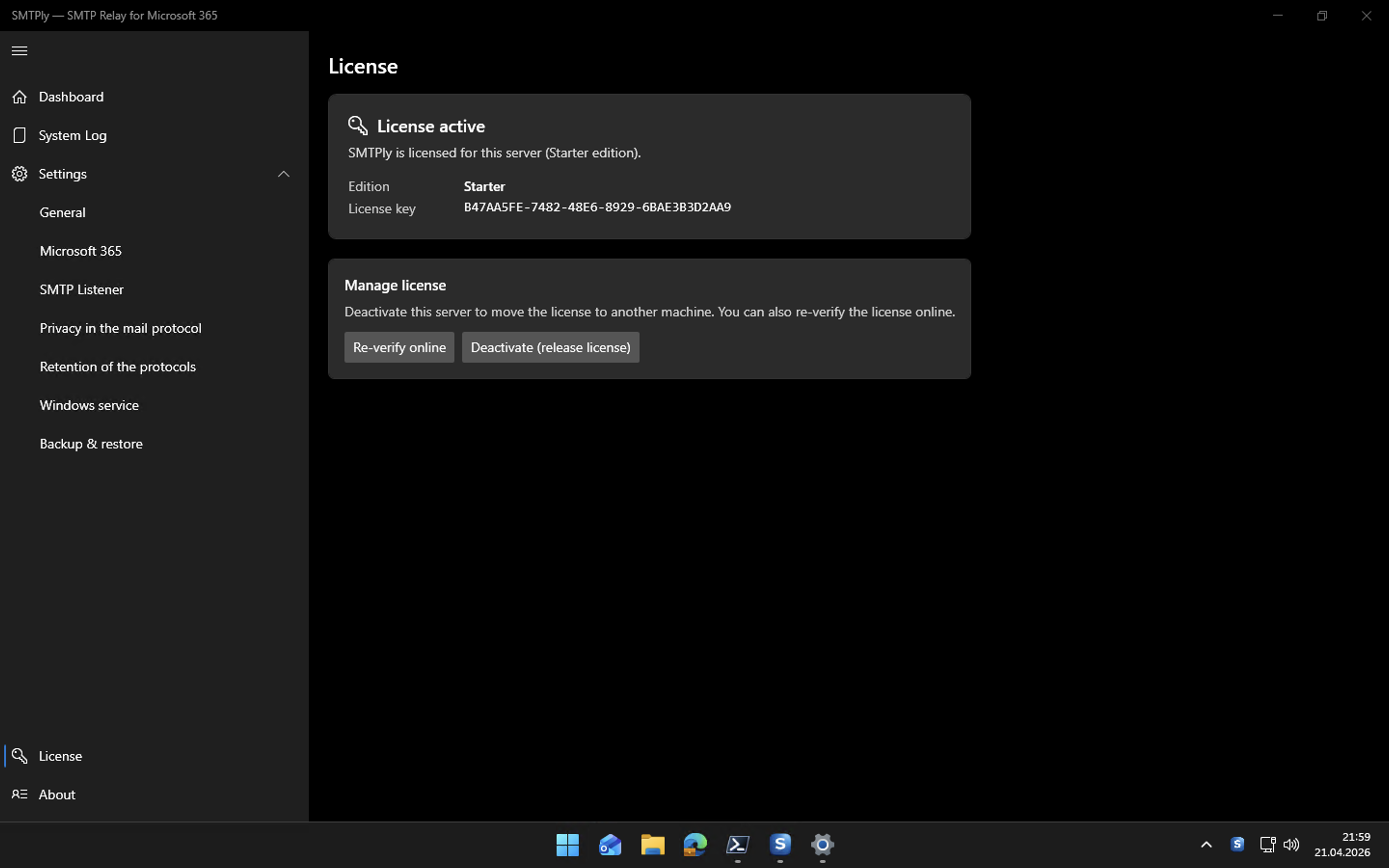
- License — activation, re-verify, deactivation (hardware release)
- Backup / Import — export settings as JSON and migrate to a new server
Typical use cases
Any device or application that cannot speak OAuth2 for email delivery can use SMTPly as its SMTP gateway.
Printers & scanners
Multifunction printers and document scanners with scan-to-email still often use plain SMTP without any OAuth2 support.
ERP systems
Many ERP solutions (e.g. Sage, Lexware, Infor, older SAP installations) send invoices, order confirmations and delivery notes via SMTP without OAuth2.
Hospitality & catering
Hotel management systems such as Oracle Fidelio Suite 8, Opera and other PMS solutions send booking confirmations, invoices and reports via SMTP — without OAuth2 support.
CRM & DMS
CRM software and document management systems that send notifications, reports or workflow emails typically rely on plain SMTP.
Monitoring & alerting
Backup solutions, server monitoring, PRTG, Zabbix, Check_MK and similar tools send alert emails via SMTP by default.
Custom applications & scripts
In-house .NET, Python or PowerShell applications, batch processes and automations that use SMTP and cannot easily be rebuilt for OAuth2.
Vertical software
Industry-specific software for healthcare, legal or trades that is waiting for a vendor update — or will simply never receive OAuth2 support.
Screenshots
The interface in light and dark mode — SMTPly in action.
Dashboard & mail tracker
Settings – Microsoft 365
System log
License
Core features
Mail tracker
Tabular live view of all mails with time, sender, recipient, subject, size, source IP and status. Click a row to open the full SMTP conversation and Graph response.
SMTP authentication
Optional AUTH LOGIN / AUTH PLAIN on the listener — senders authenticate with username and password. Passwords are stored as PBKDF2-SHA256 hash with per-user salt (not recoverable). Three modes: off (IP allow-list only), AUTH offered as optional, AUTH required (unauthenticated MAIL FROM → 530).
Multi-tenant (Business)
Business/Enterprise edition: one SMTPly server relays through up to 5 (Business) or 10+ (Enterprise) Microsoft 365 tenants in parallel. Route by sender domain (classic) or by AUTH-user binding (each authenticated user routes through one specific tenant). The mail tracker shows which tenant relayed each message.
Smart retries
On HTTP 429 (rate limit), 503 or network errors, the mail is resent with exponential backoff. On 401, the OAuth token is refreshed and retried immediately.
STARTTLS
Optional for incoming SMTP connections. A self-signed certificate can be generated in the GUI, or bring your own PEM/PFX — including Let's Encrypt combinations.
IP whitelist
Relay only for trusted sources. CIDR ranges like 10.0.0.0/24 supported. In open mode we still log every IP connection for audit purposes.
Sender whitelist
Only defined domains may pass as MAIL FROM. Alternative: override mode — SMTPly replaces the MAIL FROM with your central relay address.
Client secret safety
The Azure client secret is stored DPAPI-encrypted under %ProgramData%\Smtply\. Only the local service account can decrypt. Warning shown if expiry < 14 days.
Privacy masking
Mail addresses and subjects can be masked in the tracker (m**l@e*****e.com). Body and attachments are never stored — metadata only.
Retention control
Log files and mail tracker DB have independently configurable retention (7 / 14 / 30 / 90 days or "Do not store" / "Unlimited"). GDPR-friendly defaults.
Backup & import
Export the complete configuration as JSON — secrets stay DPAPI-protected. Or passphrase-encrypted via PBKDF2 + AES-256-GCM for migration to another server.
Usage reports by email
Daily, weekly or monthly: compact HTML digest with totals (sent / failed / rejected), average delivery duration, top senders, top recipient domains and the most common error reasons. Recipient configurable, cadence selectable, can be disabled entirely.
Secret-expiry warning
Azure client secrets expire after 6, 12 or 24 months — SMTPly remembers the expiry date and emails a reminder at 30 / 14 / 7 / 1 days before, once per threshold. Rotate well in time instead of finding out when mail stops flowing.
Ad-hoc cleanup
Straight from Settings: "Apply retention now", "Delete all log files" and "Empty mail tracker" — quick housekeeping without restarting the service or running manual SQL.
Editions at a glance
One installer, three editions — your license key unlocks the matching feature set. Updates are free in all editions.
| Starter | Business | Enterprise | |
|---|---|---|---|
| Price | €149 one-time |
€249 one-time |
On request |
| Microsoft 365 tenants | 1 | up to 5 | 10+ |
| SMTP listener on one Windows server | ✓ | ✓ | ✓ |
| OAuth2 / Microsoft Graph relay | ✓ | ✓ | ✓ |
| SMTP authentication | ✓ | ✓ | ✓ |
| Mail tracker / System log / Dashboard | ✓ | ✓ | ✓ |
| 14-day trial | ✓ | ✓ | ✓ |
| Updates | free | free | free |
| Planned Business extensions | — | ✓ (REST API, webhooks, reporting — roadmap) | ✓ |
| Support | standard support | priority support | priority support |
| Buy Starter | Buy Business | Buy Enterprise |
Polar.sh is the merchant of record (EU vendor, based in Sweden). You pick the edition on the Polar checkout page.
Business will receive additional features over time — existing Business licenses get those for free.
Technical specs
| Platform | Windows 10 / 11, Windows Server 2016 / 2019 / 2022 / 2025 |
|---|---|
| Architecture | x64 (self-contained, no separate .NET runtime required) |
| Technology | .NET 8, WPF, ModernWpfUI, Serilog, MSAL.NET, Microsoft Graph SDK 5 |
| SMTP port | Configurable, default 25 (internal) / 587 (external) |
| Bind address | Default 127.0.0.1, optional 0.0.0.0 for LAN operation |
| Max message size | 25 MB default, up to 150 MB (Graph limit) |
| OAuth2 | Azure app registration (Phase 1: customer-side), application permission Mail.Send |
| Configuration | JSON, secrets DPAPI-encrypted (LocalMachine scope) |
| Logging | Serilog file + IPC stream to GUI, mail tracker as SQLite |
| Installer | Inno Setup, registers Windows service automatically |